
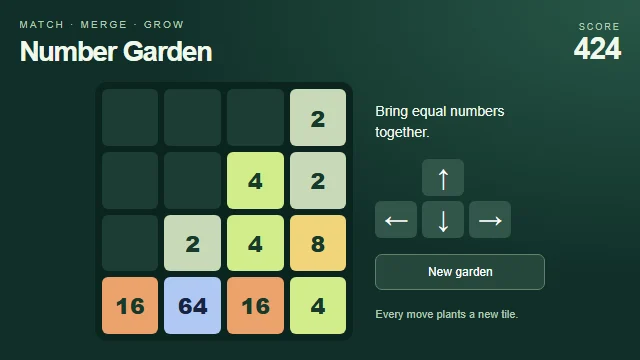
 Number GardenFeatured
Featured games
Find your kind of fun
Play free online games
A few good games. No downloads. Pick one and make a little time for play.
A quick break, right in your browser
GamePexlora brings together free browser games. Choose a game above to read its instructions, controls and device support, then press Play when you’re ready. Play as a guest with favorites and recent games saved on this device, or sign in to sync them across devices.
Find free online games for your next break
Explore free online games you can open in your browser without installing a game application. Start with a card that catches your eye, then visit its game page to see the goal, instructions and controls. The game itself loads after you press Play, so you can read about it before starting.
There is no single right place to begin. Choose a familiar kind of challenge when you already know what you enjoy, or look through the latest additions when you want something different. A brief description can help you decide whether a game fits the time and attention you want to give it.
Choose a challenge that suits you
Puzzle games often ask you to plan a move or work out a rule. Memory games may involve remembering positions, symbols or a sequence. Arcade games tend to put more emphasis on timing and repeated attempts. These are useful starting points for comparing games; the instructions on each page explain the actual challenge.
Use the categories available in the collection to narrow your choice. A game can belong to more than one category, and two games with the same label can still play very differently. Read the objective before deciding, especially if you prefer an untimed round, a particular input method or a different pace.
Check your device and controls before playing
Look at the device and input information on the game page. Mobile support and touch support are separate details: a game may need a keyboard or mouse even if its page opens on a phone. The controls section explains which keys, clicks or taps the game expects, while the play instructions explain what those actions do.
When you press Play, allow the game to load and follow any instructions inside it. If it cannot start, check the displayed status and your connection before trying again. Reloading can discard unsaved progress, so use it with care during an active round.
Keep games you want to revisit
You can play as a guest. Favorites and recently played games help you return to a choice without searching the collection again. Guest records stay in the current browser, and clearing browser storage can remove them. Signing in lets you sync your favorites and recent games across devices.
Game progress is a separate matter. Only games with a supported save interface can sync their internal progress; a favorite does not save your current round. Check the save information shown by the player where available. Use your own experience of a game to decide what to keep, then explore another category whenever you want a change.
Do I need to download anything?
No. These games run directly in a modern browser. A game loads only after you press Play.
Can I play on my phone?
Check the device information on each game page. Games marked for touch support work with taps as well as desktop controls.