
 Number GardenFeatured
Featured browser games

Popular online games
New games
 Grimace Memory Challenge
Grimace Memory Challenge
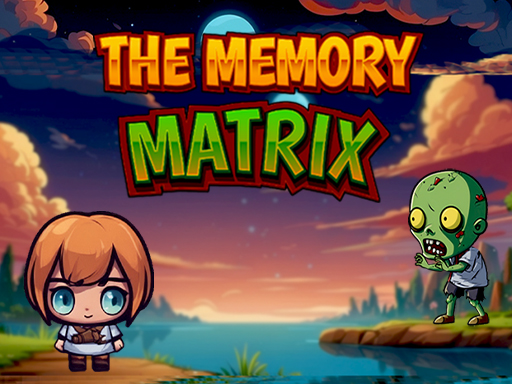 The Memory Matrix
The Memory Matrix
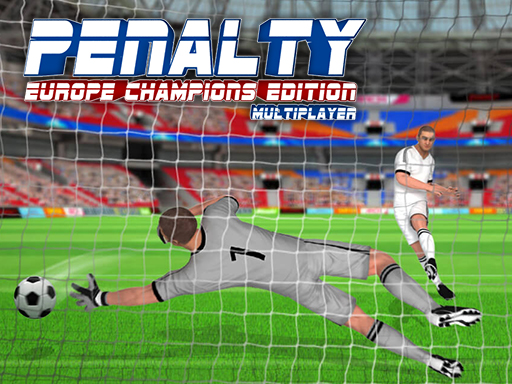 Penalty Challenge Multiplayer
Penalty Challenge Multiplayer
 Football Penalty
Football Penalty
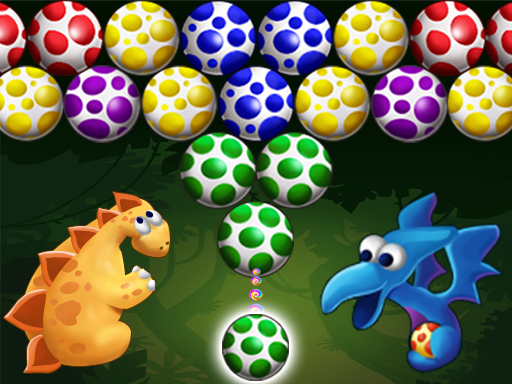 Dino Eggs Bubble Shooter
Dino Eggs Bubble Shooter
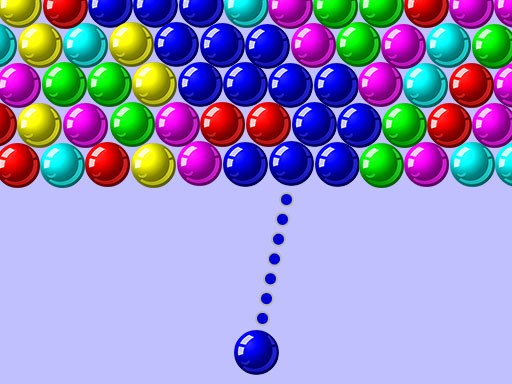 Bubble Shooter - Puzzle
Bubble Shooter - Puzzle
 Bubble Shooter Candies
Bubble Shooter Candies
 Word Search HTML5
Word Search HTML5
 Animals Word Search
Animals Word Search
 Bus Match: Color Parking Jam
Bus Match: Color Parking Jam
 Parking Jam Out
Parking Jam Out
 Crazy Parking Jam Car Jam Game
Crazy Parking Jam Car Jam Game
Find your kind of fun
Discover popular online games
Discover free puzzles, memory challenges, racing, sports and arcade games. Pick a game, check the controls and play in your browser.
Find popular browser games for your next break
Explore popular online games and familiar browser game styles on GamePexlora. Browse the cards above, compare categories and open a game page for its objective, controls and tips. Choose a quick arcade round, a thoughtful puzzle or a racing challenge to suit your mood. Featured selections, recent launch activity and new arrivals offer different ways to find your next game.
Explore popular online games without a download
Popular online games cover more than one kind of play. You might enjoy a familiar number puzzle, a quick football challenge or a platform adventure that rewards careful jumps. GamePexlora brings these browser game styles together with a page for each game, so you can compare the objective, controls and device information before choosing what to play.
Start with the game cards above. Open a card to read the instructions, then press Play when you are ready to load an embedded or built-in game. Entries labeled as original-site games open the creator’s website instead. You do not need to install a game application to browse the collection, and the page explains where each game runs.
Choose browser games by the challenge you enjoy
Choose Puzzle when you want to plan moves, sort pieces or work out a rule. Try combining numbered tiles in 2048, finding a way through Unblock Puzzle or following the clues in Nonogram. These games have different goals, so read the rules rather than assuming every puzzle uses the same scoring system or gives you the same number of attempts.
Memory games focus on remembering information, while Arcade games often reward timing and quick decisions. Memory Orbit asks you to remember card positions; Color Dash offers a different kind of reaction challenge. Keeping those categories separate makes it easier to find the style you want. A calm-looking cover does not necessarily mean a game has no timer or moving obstacles.
For another pace, browse Sports, Racing, Adventure, Action, Fighting or Shooting. Compare a football match with a free-kick challenge, or a driving course with a platform route. Simulation and Dress Up offer activity-based and styling choices. Use the category label as a starting point, then check the individual game’s objective: games in one category can still require very different decisions.
Use previews and instructions to pick your next game
A cover helps you recognize the theme, but the game page explains what you actually do. On supported desktop browsers, hovering over a card can show a short muted preview. Some previews demonstrate gameplay; an animated cover is a visual introduction rather than a level solution. Read the how-to-play section for the objective and the controls section for the keys, clicks or taps you need.
Compare the kind of attention a round needs. A sorting puzzle may ask you to think through a sequence, a racing game may require continuous steering, and a fighter may use several attack and movement keys. The tips and questions on each page can help you prepare for a first attempt. They provide a starting approach, rather than a promise that one technique will solve every level.
Play popular browser games on your current device
Check the device label before choosing popular browser games for a phone or tablet. Mobile support and touch controls are separate details: opening a page on a phone does not turn keyboard controls into on-screen buttons. Read the listed input method and any instructions inside the game. A desktop browser is the better starting point when movement, aiming or shortcuts require a keyboard and mouse.
Give the game time to load after pressing Play, and follow its own start screen. Use the player’s fullscreen option where available if you want more space for the controls. If loading fails, read the status message and check your connection before trying again. Reloading can discard an active round, so avoid using it as a pause button when you have progress you want to keep.
Understand popular picks and new arrivals
The Popular section uses recorded game launch attempts on GamePexlora over the last seven calendar days. This helps you discover popular online games within this collection; it is not a worldwide chart, a review score or a count of unique players. A launch attempt also does not prove that a game finished loading or that somebody completed a round.
Featured games are editorial selections. If recent launch data is unavailable, the popularity route shows Editor’s picks and explains that selection basis. New games follow the date their pages were first published here, which can differ from their original release dates. Choose the browsing route that answers your question: recent activity, a curated starting point or the latest additions to the site.
Build your own list of browser favorites
Once you find a game you enjoy, save it to Favorites for another visit. Recently played helps you return to games you launched, which is useful after comparing several puzzles or trying a few short arcade rounds. These tools work for guests in the current browser. Signing in lets you sync favorites and recent games across devices instead of rebuilding your personal list on each one.
A saved favorite is a link to a game, not a saved position inside it. Internal progress can sync only for games with a supported save interface; do not assume every third-party game offers that feature. Guest lists can disappear if browser storage is cleared. Keep your own preferences separate from the popularity order, and return to the categories whenever you want to explore a different style.
Are these popular online games free to play?
The collection offers free browser play, including puzzles, sports, racing and arcade games. Open a game page to read the rules and controls before starting. Publisher-hosted games may display advertisements; the game page also explains whether the game is embedded here or opens on its original website.
How are popular browser games selected?
The Popular section is ordered by recorded launch attempts on this site over the last seven calendar days, rather than worldwide rankings or review scores. Featured games are editorial selections. When recent launch data is unavailable, the popularity route displays Editor’s picks instead.
Which games can I play on a phone or tablet?
Check the device and input information on the individual game page. Games listed for mobile play may provide touch controls, while others recommend a desktop keyboard and mouse. Read the instructions inside the game too, especially when a level uses additional buttons or gestures.
Do I need an account or a game download?
You do not need a GamePexlora account to browse the collection or use guest favorites and recent games. Built-in and embedded games start from their game pages without installing a game application. Original-site entries open another website, where the creator provides the game and its own instructions.
Does saving a favorite save my game progress?
No. Favorites help you return to a game page; they do not save the current round. Guest favorites and recent games stay in the current browser, while signing in supports syncing those lists across devices. Internal progress can sync only for games with a supported save interface.