About Word Search HTML5
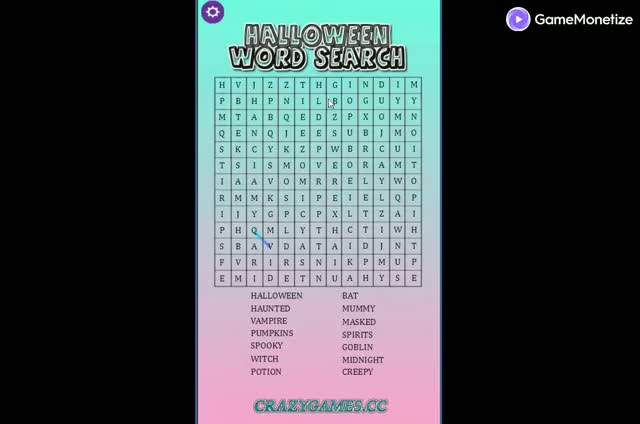
Choose a themed English word-search board or a random puzzle, then find the listed words.
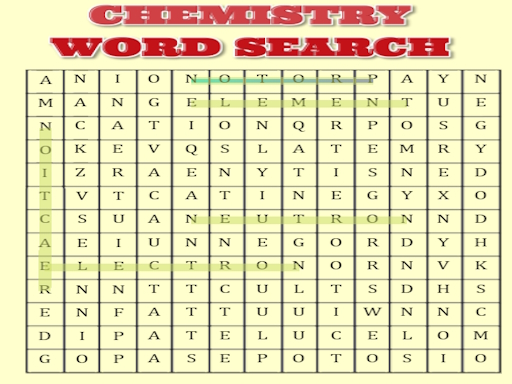
Word Search HTML5 offers themed letter grids with a target-word list. Choose a topic or use the random-level option, then scan the board for the exact spellings shown beside it.
Each topic changes the vocabulary and layout, so read the current list before searching. The words remain part of the original English game; the surrounding translated page provides guidance while leaving its internal vocabulary unchanged.
How to play
Select a topic or choose a random level. Read the word list, locate each target spelling in the grid and select its full letter sequence. Continue until all targets for that puzzle are marked.
Controls
Use the mouse to select a target word in the grid. On a supported touch device, use your finger and follow the selection prompts shown inside the game.
Tips
Search one listed word at a time. If a common opening appears in several places, check the final letters before completing the selection.
Questions about Word Search HTML5
Can I choose a puzzle without selecting a theme?
The publisher lists a random-level option alongside the topic-based puzzles.
Does the Chinese page provide a Chinese word grid?
The embedded game uses its original English vocabulary. The Chinese page translates the guide rather than the internal puzzle data.
Can I play this version on a phone?
The publisher lists mobile support for this version. Follow the on-screen controls for your device.